
You need to log in to be able to view our Yellow Sticker catalogue. If you don't already have a password, use the Forgot your password? link. For Login: use your library card number and for Email: use the email address we have on your library record. NB: You need to input both of these! You will receive an email link that enables you to create a password. Alternatively, call into the library and we can set up your password for you.
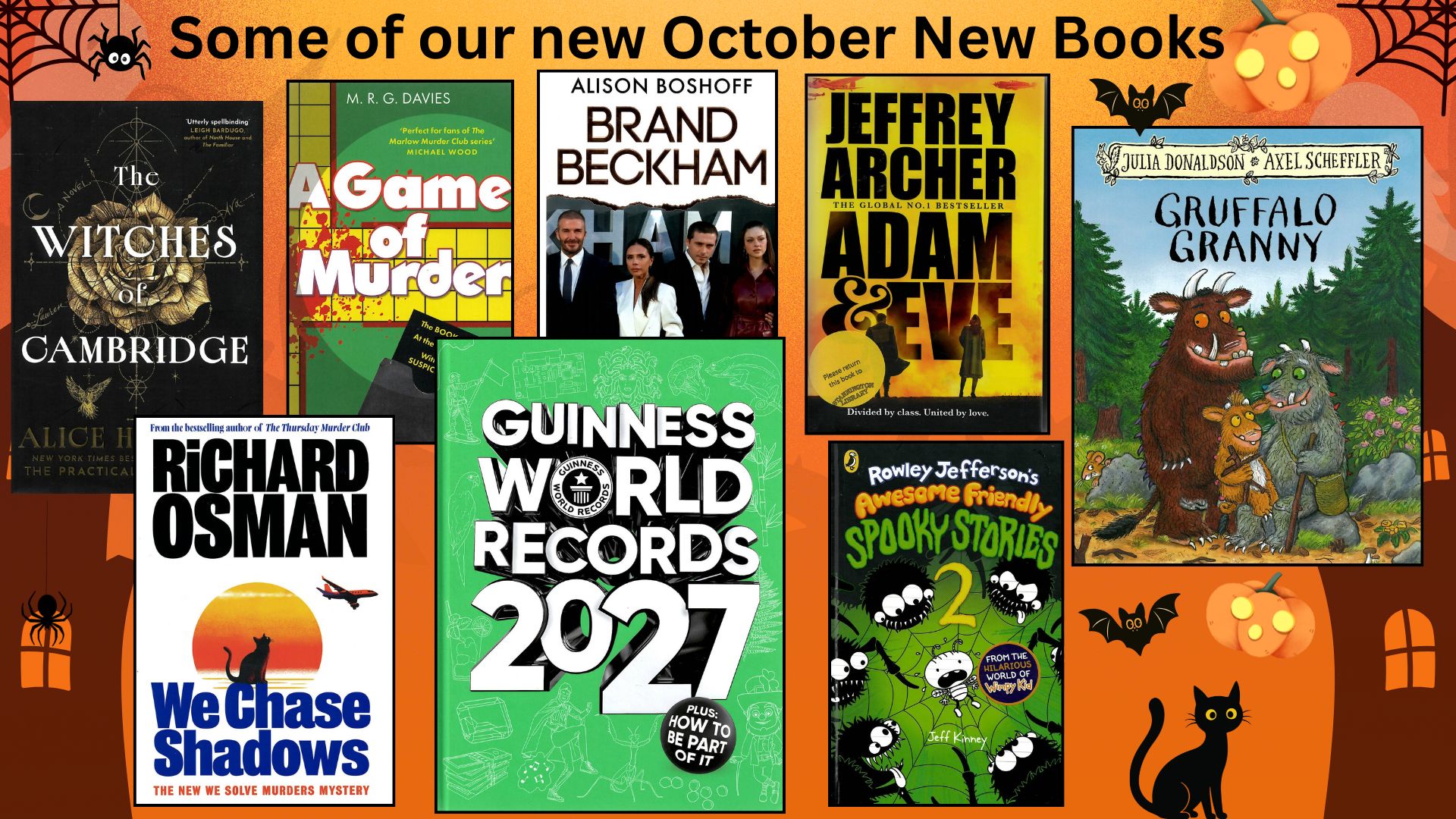
Once logged in you can view our catalogue. We suggest using the Advanced Search option as it shows you the different genres we stock. Select a genre, click search, and a list of the books in that genre appears. Just like browsing the shelves in the library.
You can also reserve books you would like to read (place a hold), renew books you already have checked out and suggest books you would like us to buy.


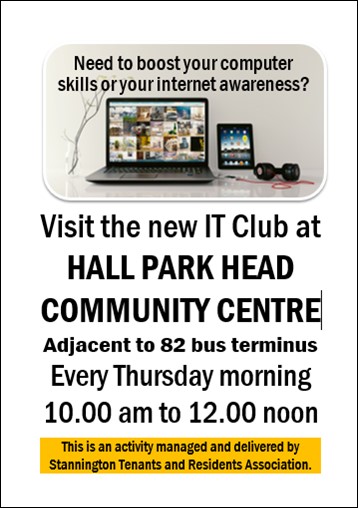
10/04/26 - We have relocated our 3 Public Computers to our new Computer Corner - turn left as you enter the building. Call in or phone to book a session. This is free to members of the library. Non-members can also use the computers for a small charge.
The computers have been upgraded, and they now have the latest Microsoft Office applications on them as well as access to the Internet using Google Chrome or Microsoft Edge.
You can print from the computers - A4 Black & White copies cost 10p. Colour, back to back and size A3 are available too - but these cost more.